When testing g-code, I often enter an MDI command like G52 Z1 to run the tool path above the part. Is there a way to shut off the flood coolant. Davie in pre-sales suggested that I add a “/” Infront of the M8 command an turn on Block delete, but that requires adding the / in a number of locations. Other than adding a switch to the flood coolant power cord, is there a better way to accomplish this?
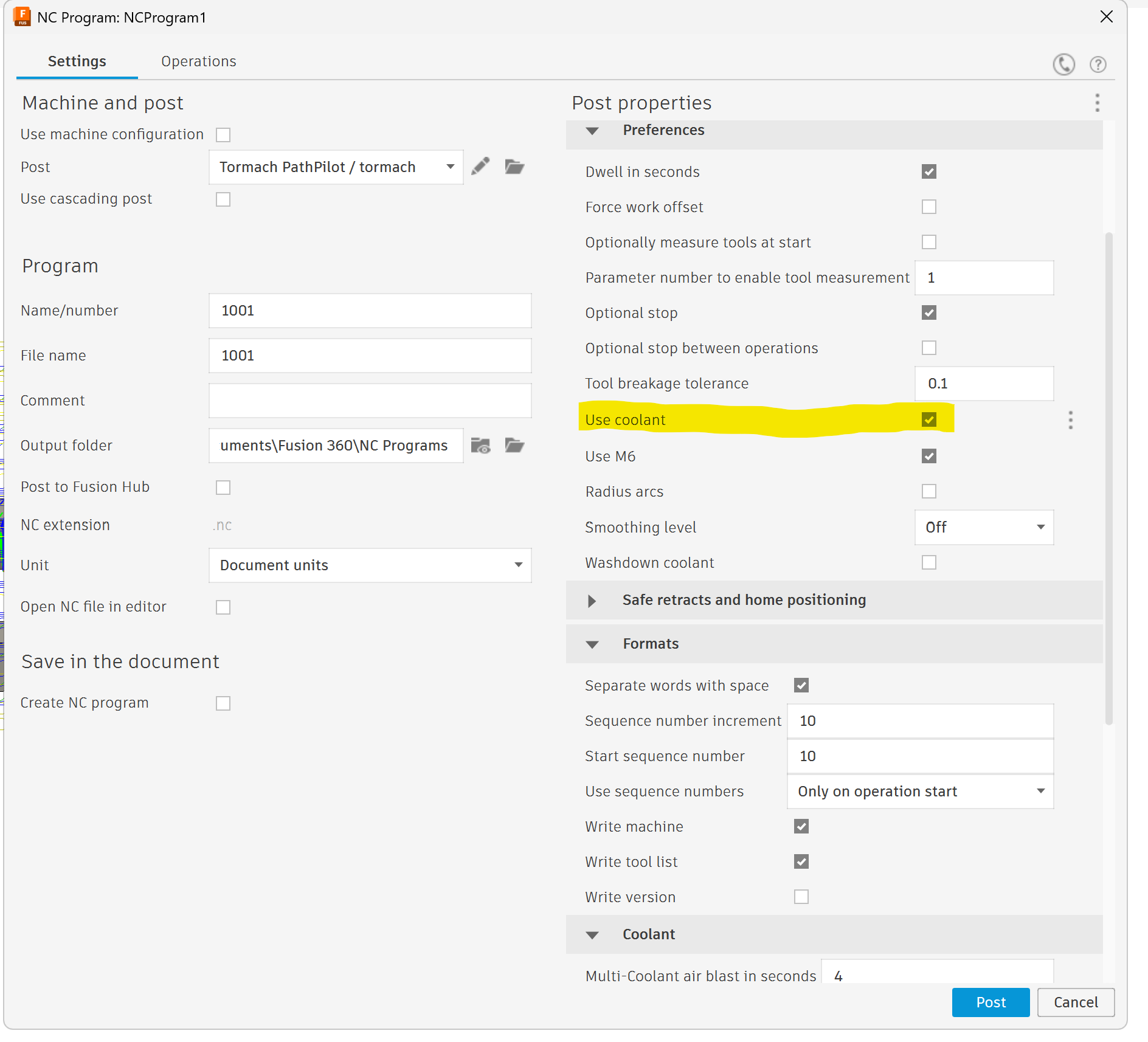
Below is a screen shot of the post processor in Fusion. Where would you add this “/M8” entry?
The only solution I can see is to post the g code with the check box below unselected. This will generate code with no coolant. Then post again with it checked to run the actual part.
I mean in the actual post processor script. I believe there is a way to change the code that is used for each m-code. I’m not that familiar with editing the script or where it is located but someone on here should know.
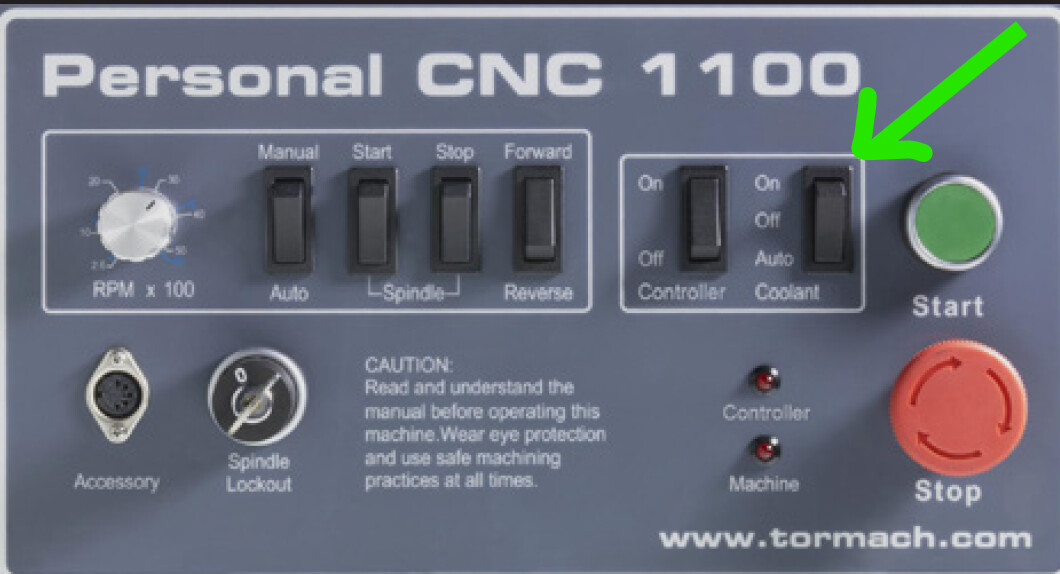
I don’t want to sound too old fashioned , but perhaps use the OFF, ON, AUTO Switch on the front of the machine? Set to OFF for air run, and back to Auto when your ready to cut?
Maybe your machine doesnt have this, but it seems like the cleanest, albeit old school solution.
Too funny. On my previous mill the was a manual mill converted to CNC, I added a switch like that. No, the 1500 does not have such a switch, but for now I just post two files, one with and one without coolant. Not really a big deal.
Honestly, that amazes me! I use that control more than any other hardware button on the 1100 panel, and I would hate not having it. I can’t believe Tormach dropped that feature on the 1500. So it goes, every button costs… Personally I think I’d put in a hardware switch once, and use it every time, rather than pay the incremental price of two PPs for very file, and managing all that. Obviously though, you’ve got a solution that works for you, so that’s great.