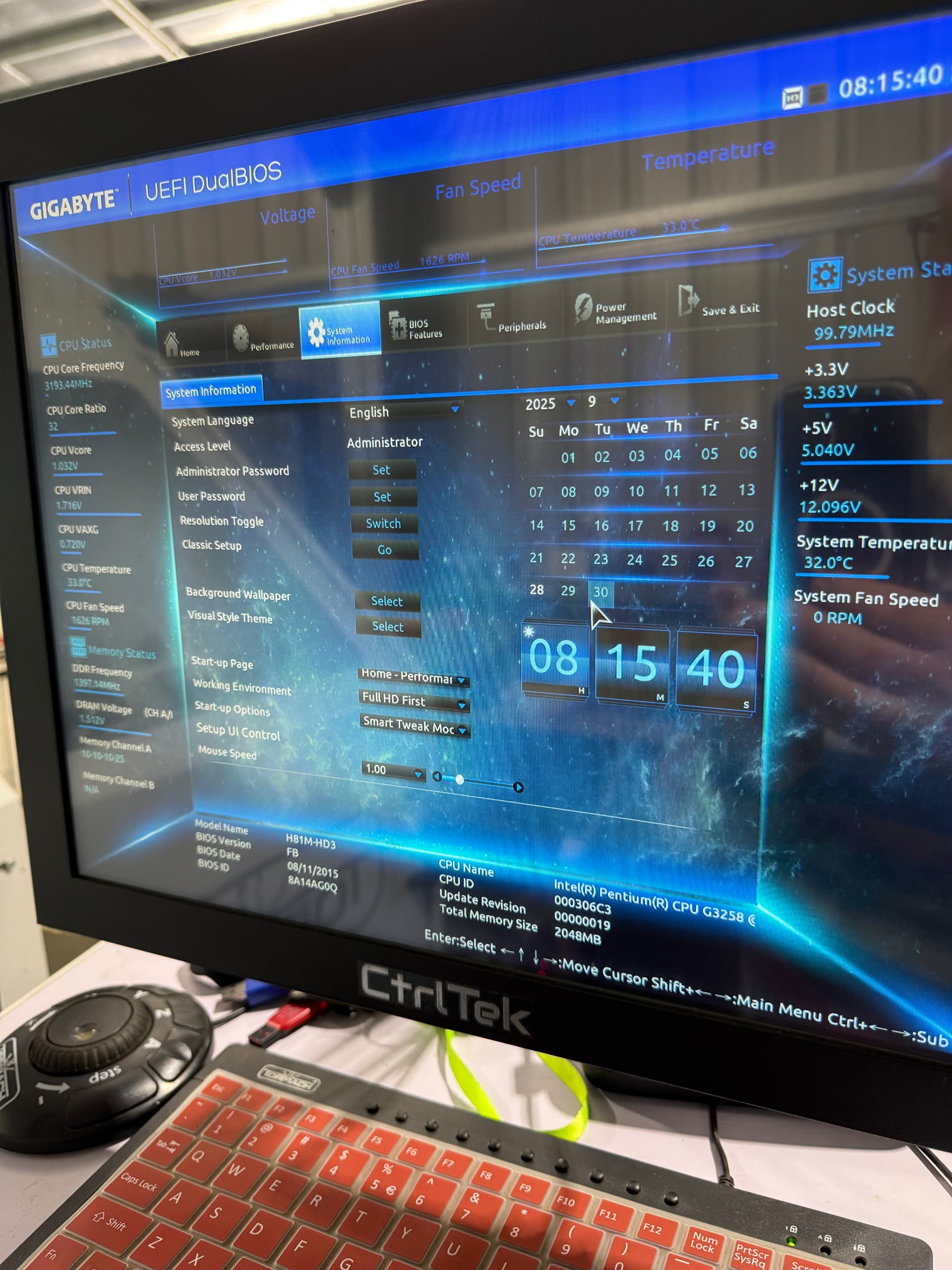
I trying to set the time and date on my controller for my 15L I’ve got most of it worked out but cant work out the month setting?
1 Like
I haven’t messed with this before but it looks like the month is right there next to the year
2 Likes
I would second what @Davie mentioned. The “9” in your picture next to the year, appears to be your ‘Month’ setting.
1 Like
It dosent go any further than nine which has me stumped
1 Like
Dead bios battery? It makes no sense but it’s the least crazy of the ideas I had that could cause this. Other ideas are alternate solar system with shorter orbital phase, different dimension, and Y-2.0025K bug.
From what’s on the screen, you have a GA-H81M-HD3 Rev 2 board running the latest available bios (FB) but the manual shows a very different screen which is odd. Here is the manual I found on Gigabyte’s website.
Your screen also seems to have a lot of additional information displayed on either side of the main view compared to the few other examples of that BIOS view. Have you customized the BIOS at all or is this your first time in it? If you’ve made changes, I would try reverting them and if that doesn’t work, possibly a factory reset (this should be your last resort).
How old is the machine? You may need a new CMOS battery.
Hi Ian
It’s has a new battery installed recently as has my PCNC1100 series 3, the mill controller starts and runs fine when I turn the power on, the time and date hasn’t been set on it.
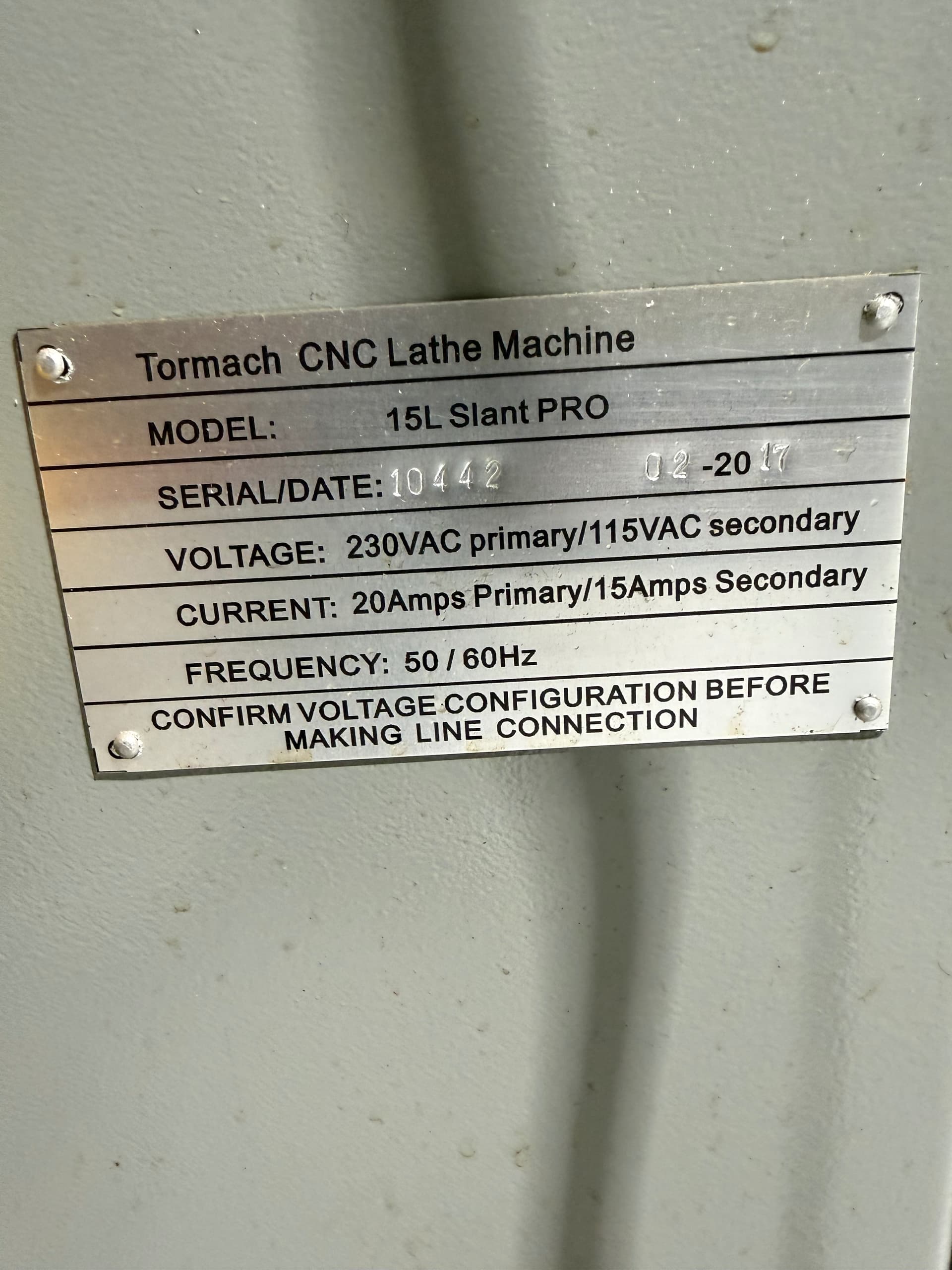
The lathe controller has to be manually turned on each time, then it works fine, I’ve had the machine for a while but it hasn’t had much use at all as we were still working. No that we are retired I want to get to it, I’ll attach a photo of the id plate
If your just trying to get the controller to boot up automatically when the machine is turned on - first and foremost, make sure its plugged in to the secondary power on the machine itself… obviously. If it is, then secondly in the BIOS, likely under Power Management, there will be a setting called AC BACK, RESTORE AC POWER LOSS, or something similar. (It can vary bios to bios) Make sure this is set to ON or ALWAYS ON.
My son-in-law came this morning and in five minutes had it up and running, he knows nothing about CNC but he knows computers, he did also turn the ac reset to always on. Thanks for the help!
I wonder if Tormach knows something we don’t? Use your vacation time before September ends, PathPilot doesn’t think we’ll be here for October and beyond! Hahahahaha! (I hope.)
My pathpilot is off by 3 hours, I can’t even get to the BIOS screen, I was on the phone with tech support for quite some time and we couldn’t get there. I have a gigabyte controller if that matters. Is there some special magical key sequence to press during the POST?
If you need to Set the time you can use an ADMIN command in the MDI line. I don’t have it on top of mine but admin commands will auto fill once you start typing
One of Delete/F2/F12 should get it to break from a normal boot
Keep in mind that it has to be pressed immediately upon power up (and not from a reboot) to ensure it does…
If you Haven’t found it yet, check out our KnowledgeBase.tormach.com