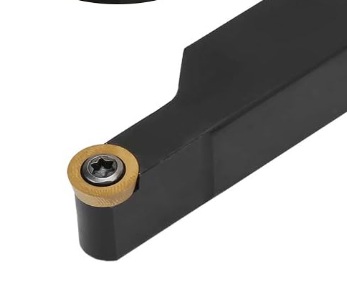
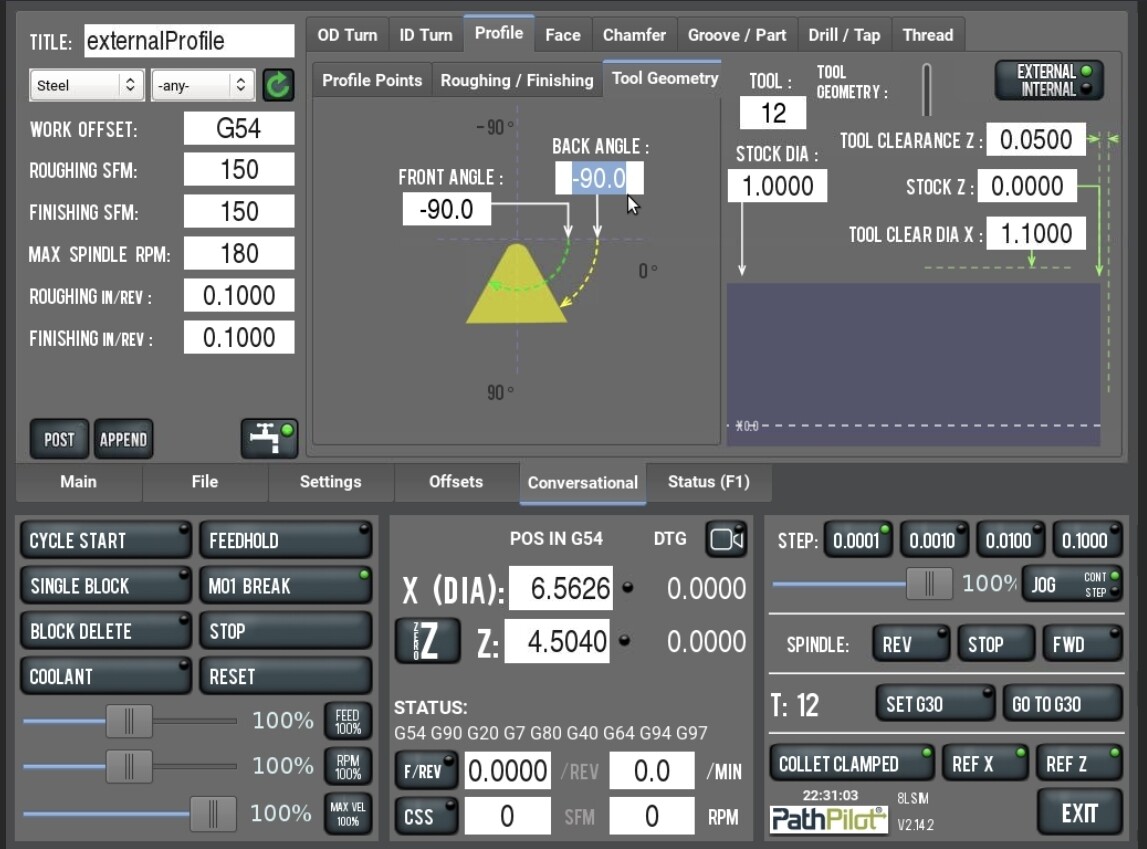
Is there a way, in Pathpilot, to define and use a lathe tool with a round insert? All of my attempts result in Pathpilot complaining about gouging due to front and back angles. I defined it as ‘profiling R:0.236 FA:90 BA:90 carbide’.
To get around this, I tried using a smaller angle (89) for the front angle and a larger angle (91) for the back angle, but no luck. Pathpilot then complains that the front angle must be greater than the back angle.
I know I can set this up in Fusion and get it to do what I want, but it’s easier to just do it right at the control.
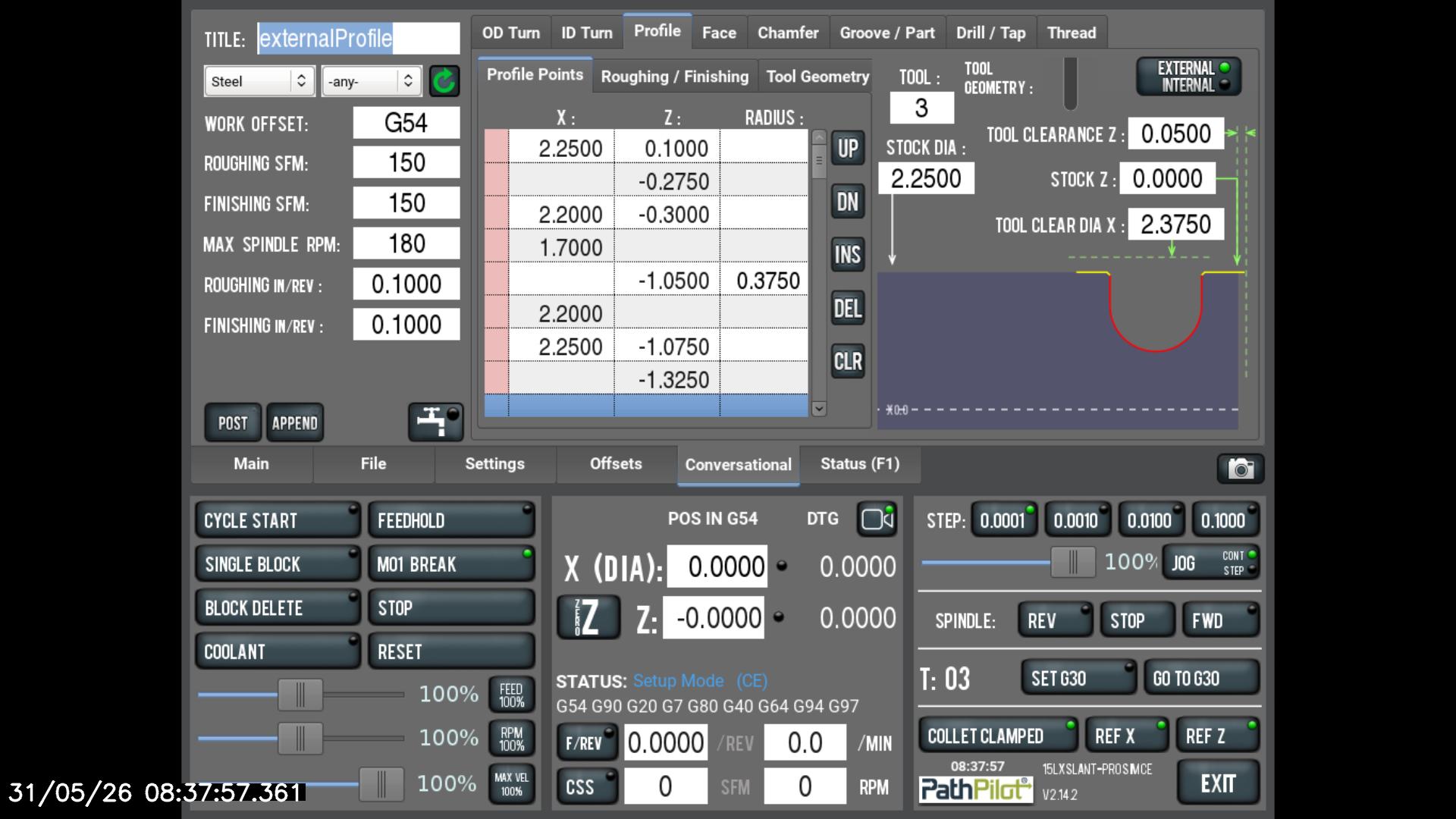
Thanks for the reply. I should have been clearer, the issue is that the profile I want to cut has vertical walls, so the -90 front and back angles (which don’t really exist in a round insert cutter) would theoretically rub the walls, and I think that’s what PP is having an issue with.
Well, I played around in Hub for a few minutes and wasn’t able to come up with anything immediately. You might be able to get there by lying to PP in some way, though I am not sure exactly how. You might be able to fudge a tool path by defining the tool as a parting tool or threading tool, so suggest experimenting with the other tool tip control points