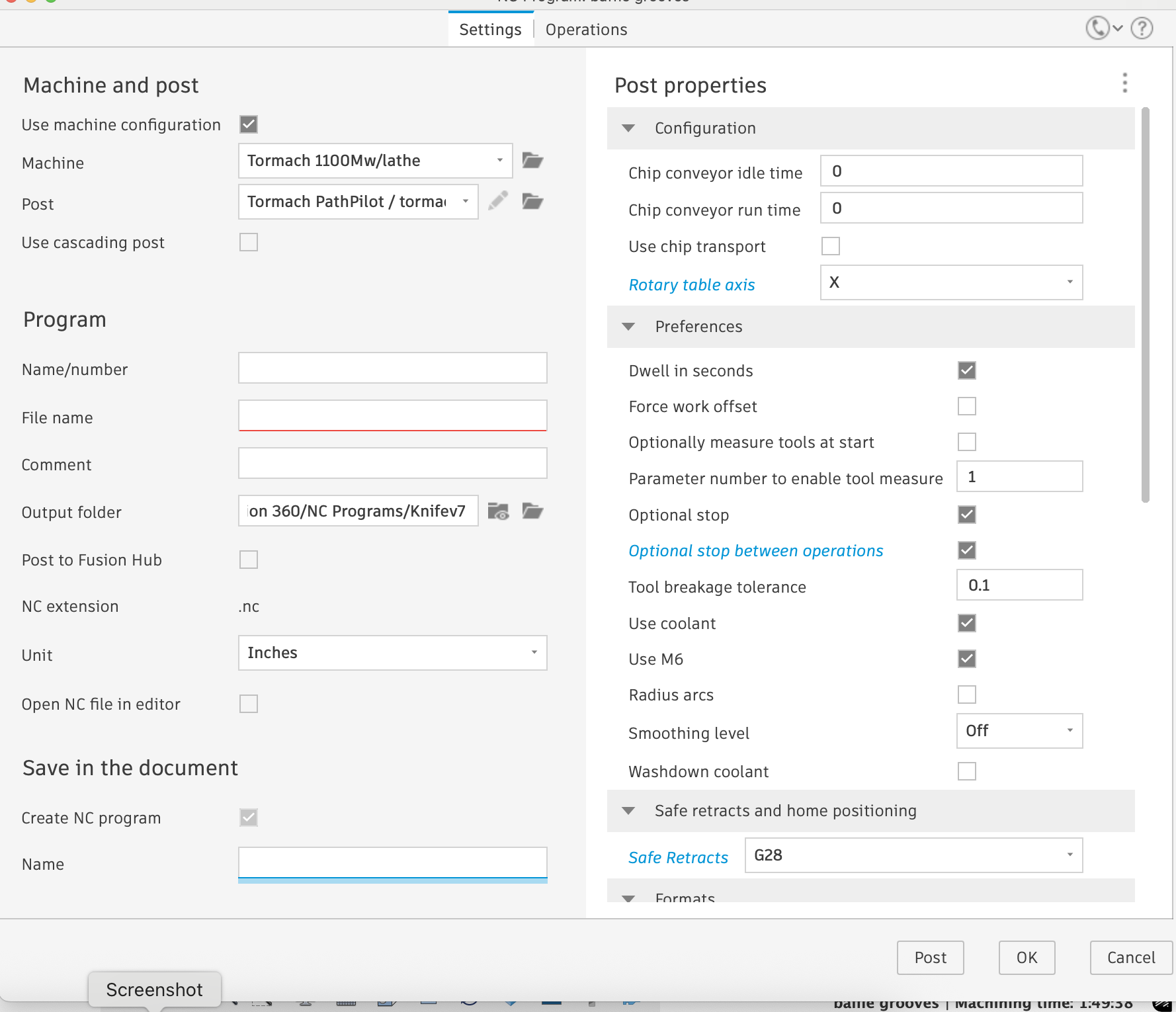
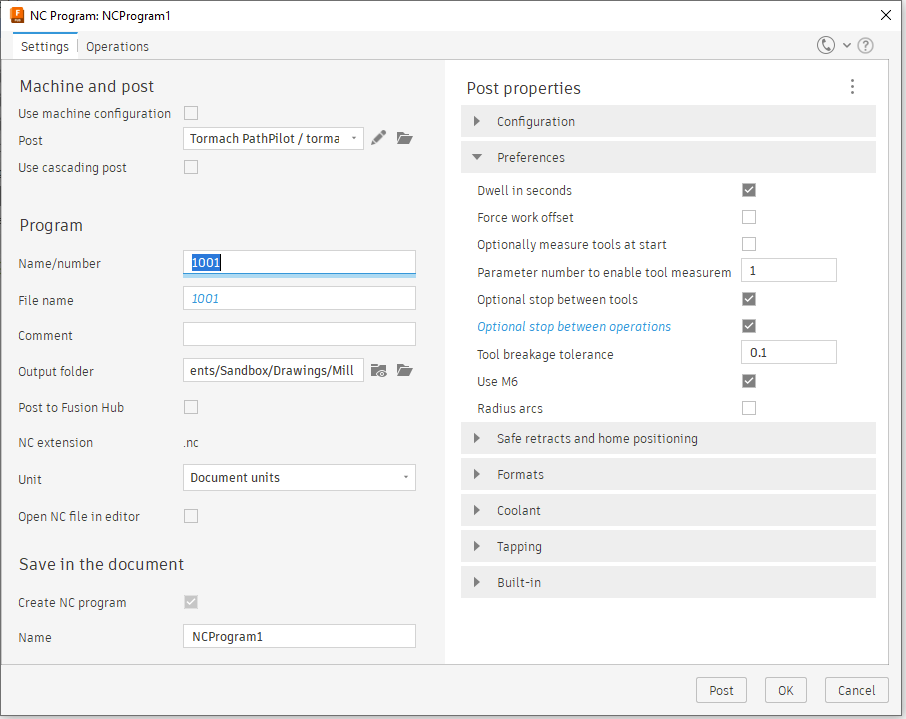
I have an issue where fusion keeps placing m29’s in my code, which pathpilot then gives an error saying its invalid, the program runs just fine, but I have to manually delete each instance of m29, im using the latest tormach post, but it also did this on the previous version. the post itself doesn’t mention m29 at all. every program I post after adding the rotary gives me this. Ive been having to use g28 because I have been using the pattern option to run multiple programs in a pattern, and it was homing z after every pass, problem here is that it applies g28 to every program, forcing me to have to stop the program, raise the head, so I can change the tool, very annoying, but I can look into that later.
Warning: The provided CAM machine configuration is overwritten by the postprocessor. I tried adding the rotary just in the “post properties” seen in the photo, which works fine, as long as I manually delete the m29’s. I also added it to the machine kinematics, and still get the same errors.
Im not at the computer at the moment, but dont you have to select a machine, either during the setup, or while putting together the programs, or posting it? I seem to remember a couple times where i got an error for not selecting a machine.
Nope. I almost never select a machine and only ever have when doing something with tight clearances where I need to be on my A-game. For run of the mill parts I don’t worry about it.
You can use the extended WCS w/o selecting a machine as well. I was curious so I setup a brand new simple program to make sure and was able to post to G54.1 P25 w/o selecting the machine.
I almost never select a machine but can access multiple work offsets check box with no issue. I am however building a machine in fusion for simulation so I will then be selecting a machine.
Let us feel bad for you being in Aruba! Somehow I have visions of you on the beach with black shoes and white socks though!
The upsides to having the machine selected as I know it are the motion and speed limits get observed I believe and the simulation can involve the entire machine with movement. The only downside I’ve observed, is having to turn the machine visibility off in the set up so I don’t see it while working on toolpaths.
I have heard a lot obout the zoom speed post, although I am not well educated in that side of things, can someone tell if me if it is as simple as just downloading it and adding it to fusion? Is there anything else I need to do? The machine is bone stock other than the 4th axis, which is not tormach branded, and uses a 3rd party stepper and driver.