You may have heard that Anthropic/Claude AI can connect to Fusion. The running joke I hear is Claude users (even paid) run out of tokens.
I currently only have a free Claude account (I pay for ChatGPT). I got as far as connecting Fusion to Claude. It was able to look at a part I had and I started the process of requesting changes. It didn’t even get to make the changes before I ran out of tokens on the free tier.
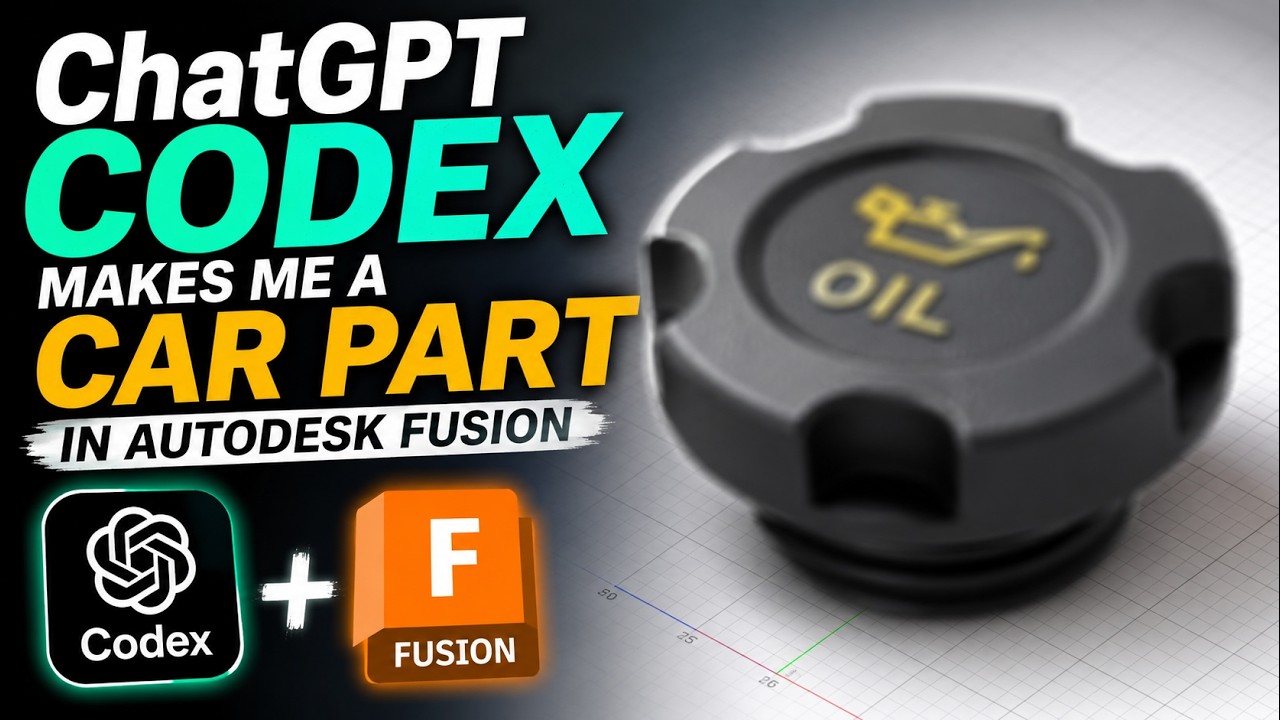
Instead of subscribing to Claude, I figured out how it’s connecting to the Autodesk native Fusion MCP and replicated that over to the ChatGPT Codex GUI tool and here’s is the result of a tool (Codex) that wasn’t specifically setup to work with Fusion and it’s attempt to make a part from a text prompt…
I’ve never been rate-limited or kicked off ChatGPT…so, I hope to investigate this further and see if there are some easy refinements to make it work better as configured…
I have a paid Claude account. I am not up to speed on how you get an MCP with which to join Claude to Fusion. Can you offer us any insights on this?
This function is native for Claude but required some “hacking” to get it to work with Codex/ChatGPT. I’ll follow up with another video for the setup for Codex.
They (now) have a Fusion connector in the Claude application. You go to settings in there you will be able to enable the Autodesk Fusion connector. You also need to enable the MCP in Fusion in the settings menu and make sure the port that Fusion is running the MCP on matches the one in the Claude connector.
Initiate a new chat including the Fusion connector and you should be good to go.
Wow, thanks for this. I’ll try again.
Looking forward to your next YouTube video.
Very kind of you.
Any updates from you guys or anyone else using ai in Fusion?
I never did put together anything in terms of a walkthrough. I did see this week that ChatGPT now supports this natively where my workaround was to copy the bridge that Claude developed and point Codex/ChatGPT at it.
If you are on the ChatGPT $20/month plan, be prepared for the fact that this will burn through your Codex/ChatGPT Work usage but you still have access to standard “chat” usage and there are rate limit resets. If it’s really helping you and you are making money and not just a hobbyist, then you probably won’t hesitate to upgrade to the $100/$200/$500 a month plan or may even start thinking about hosting your own local AI. That is the drawback to all of this, if you are restricted in terms of data egress, in which case, you probably will HAVE to figure out local AI. The issue then becomes making sure your agent doesn’t go rogue and end up leaking your data.
The MCP will allow a general AI to work on CAM operations as well. I don’t know what Toolpath and CloudNC charge (I saw somewhere on the order of $5-6k a year) but this might be a less sophisticated way to accomplish similar results.
More people will have to spend time working with it to figure out best practices. CloudNC is a more fine-tuned and specifically trained AI. The question will be if enough skilled CAM operators use this, will they be willing collaborate/share/pool info and best practices to enable this to surpass the capabilities of either of those dedicated tools faster than they are able to refine their tools.
I am seeing a lot more of that…products that are paid and it doesn’t take much time/effort with an AI tool to replicate it and build the same or better and then it gets released as freeware/open source.
have you ever used - messed with Autodesk Assistant?
I’ve used it to get answers to questions about features or doing things in Fusion manually since it should be authoritative for the information (as well as up to date for the exact version you are using) as opposed to ChatGPT or Claude which are trained on older documentation and have to search and be told what version is currently being used in order to get exact and correct instructions.
It has helped me sometimes but then like any AI, it may not know exactly what you are asking it and it may take a few iterations and trials to get the answer. I have not tried to use it to do stuff on my behalf like the example video. I’m not sure it can do that (yet). It seems to be pretty slow to respond to basic questions, too.
I’m also finding times where it points me to the solution to my problem at hand as easily solved with a feature included in the paid manufacturing extension. In those cases, I have asked it to find me a workaround using the free features and that’s been a mixed bag of if it solved my issue.
I am toying with getting a 4th axis and that’s prompted me to look at switching CAM platforms, maybe even CAD, since I believe I would have to pay to use the full capabilities of a 4th axis in Fusion since that seems to be a moving target of what exactly you can/can’t do.